The internet browsing game just shifted. On August 26, 2026, Anthropic announced that Claude in Chrome is now generally available on every paid Claude plan (Pro, Max, Team, and Enterprise), with the ability to take actions autonomously in the browser instead of requiring approval for every single click. A safety classifier validates each action before execution, but the days of babysitting your AI through every webpage are over. But here's the bigger story: Anthropic doesn't want Claude living inside Google's browser anymore. In July 2026, the company shipped a built-in, tabbed web browser directly inside Claude Code's desktop app. Press Cmd+Shift+B on macOS or Ctrl+Shift+B on Windows, and Claude can now read, click, and interact with any external site (documentation, issue trackers, competitor checkout flows, Figma files) without ever touching Chrome. The browser runs on a clean profile with no saved logins, which is the key security distinction from the separate Claude in Chrome extension. This matters because Anthropic is building a browsing surface it controls, wired directly into the AI agent. On August 12, 2026, the company turned the Claude in Chrome side panel into a full Claude Cowork session, so a task you begin in a browser tab now continues on the Claude desktop app without losing history, skills, or connectors. The direction is unmistakable: Anthropic wants the browser to be part of Claude, not the other way around. The technical firepower backing this move is formidable. On August 19, 2026, Anthropic moved computer use, the new browser use tool, the Skills API, and the Files API to general availability on the Claude Platform. The browser use tool (browser_toolset_20260801) is a genuinely new client toolset, not a rename of computer use. It reads a page's accessibility tree with element references plus screenshots, while computer use reads pixels. This dual approach means Claude can target specific form fields or buttons by their structure, not by guessing coordinates from a screenshot alone. Early-access customers saw 20 to 40 percent fewer round trips per task, so workflows finish faster and cost less. The built-in browser in Claude Code isn't a toy. It functions as a fully tabbed browser that sits alongside a developer's workspace. Claude can open documentation, issue trackers, internal web apps, or virtually any other website, then read page contents, click links, and interact with elements the same way it already does with local development environments. It's sandboxed and configurable, so you choose whether sessions persist. For developers, this removes one of the biggest annoyances in AI-assisted coding: constantly copying links back and forth between a browser and the coding assistant. Pricing for Claude in Chrome is bundled with paid plans. Pro is $20 per month, Max starts at $100 per month (with 5x usage limits), Team is $20 per seat per month on annual billing ($25 on monthly billing), and Enterprise is custom. There's no free tier access to the browser extension. Claude Code itself has no standalone price, it's included with Pro, Max, Team Premium seats, and Enterprise. The June 15, 2026 change introduced a monthly Agent SDK credit pool for automation tasks (Pro gets $20, Max 5x gets $100, Max 20x gets $200), with overage billed at API rates. Security is the elephant in the room. Anthropic itself says agentic browsing is "still risky," and throughout 2026 researchers kept finding prompt-injection and extension-to-extension vulnerabilities. The Claude in Chrome extension needs 15-plus Chrome permissions including the debugger. The built-in browser in Claude Code mitigates some of this by running on a clean profile with no saved logins, no browsing history, and no inherited cookies from your everyday browser. Classifiers screen any write actions on external sites, and Claude won't buy anything, create accounts, or bypass CAPTCHAs without user consent outside specific permission modes.
 🌍 world
Claude Ditches Chrome, Builds Its Own Browser
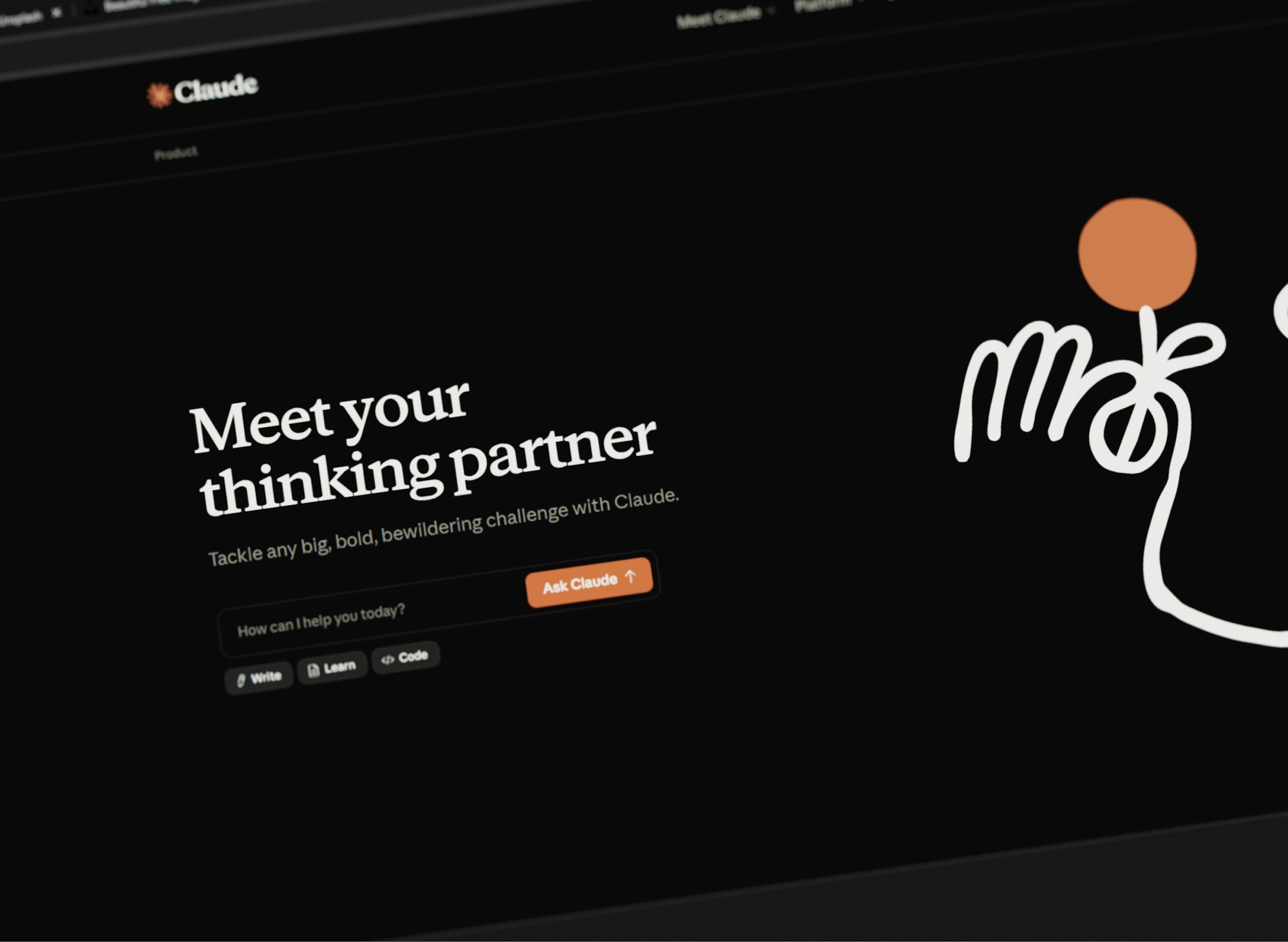
Anthropic just made a power move that changes everything about AI assistants and web browsing. Claude no longer needs to piggyback on Chrome to surf the internet. The AI now has its own built-in browser in Claude Code, and as of August 26, 2026, Claude in Chrome gained full autonomous browsing powers across all paid plans. This isn't just a feature upgrade, it's Anthropic staking a claim on how we'll interact with the web in the AI age.
Fact checked - 15 claims 27 Aug 2026 · 11 with sources
My Take
This is Anthropic learning the hard lesson every platform company learns eventually: if you depend on someone else's infrastructure, you're at their mercy. Google controls Chrome. OpenAI built Atlas, its own Chromium-based browser. Now Anthropic is carving out its own browsing surface. The smart money says this ends with every major AI company running its own browser, because the browser is the interface to everything that matters on the web. The security concerns are real, but they're also overblown by people who don't remember how sketchy browser extensions were in 2010. Yes, Claude in Chrome needs a pile of permissions. Yes, prompt injection attacks exist. But Anthropic is building safety classifiers and clean-profile sandboxes precisely because they know this technology will be everywhere in 18 months. The companies that ship cautiously will own the enterprise market. The ones that ship recklessly will own the headlines for all the wrong reasons. What Anthropic is really betting on is that the future of work isn't opening a browser to use an AI, it's an AI that opens browsers for you. That's a bigger vision than ChatGPT's chatbox or Google's search bar, and if they execute, it redefines what an operating system even means. The browser isn't a tool anymore. It's a capability the AI has.
What Happens Next
Expect every major AI lab to ship its own browser or browser-like interface within the next 12 months. OpenAI already has Atlas. Google has Gemini wired into Chrome. Anthropic just made its move. The next battleground is which AI can browse the web most reliably without breaking things or leaking credentials. Anthropic will push hard on enterprise adoption. The August 19, 2026 move to general availability for computer use and browser use tools removes the last "it's just beta" excuse that kept IT departments from deploying AI agents. The Skills API and Files API going GA on the same day means businesses can now package agent capabilities, version them, and reuse them across teams. For companies that have been waiting for production-grade AI agent tools, this is the green light. The real test comes in Q4 2026 and early 2027 when enterprises actually deploy these agents at scale. If Claude can reliably fill out supplier portals, navigate internal dashboards, and handle form submissions without human supervision, Anthropic will dominate the AI agent market for business workflows. If it can't, or if security incidents pile up, the whole agentic browsing category takes a credibility hit. The stakes are enormous, and every AI company is watching to see who ships the first major production disaster.
What History Tells Us
The browser has always been the battleground for control of the internet. Microsoft bundled Internet Explorer with Windows in the 1990s and nearly killed Netscape. Google launched Chrome in 2008 and turned the browser into an operating system (Chromebooks, Chrome OS). Now AI companies are realizing that whoever controls the browsing layer controls access to the web's data and functionality. This echoes the 2000s search engine wars, when Google won by making search so good that the browser's default search engine became the most valuable real estate on the internet. Anthropic, OpenAI, and others are now betting that the next war isn't about search, it's about agentic control. The winner won't be the AI you ask questions to, it'll be the AI that can actually do things on the web for you. That requires owning the browser, or at least owning the browsing experience. History says the companies that control infrastructure win, and the browser is infrastructure.
Market Impact
Anthropic is privately valued at $183 billion as of a September 2025 funding round, putting it ahead of Pfizer, Uber, and Lockheed Martin in paper value. The company is reportedly raising another $10 billion to keep expanding. The August 2026 product releases (browser use, computer use GA, Claude in Chrome general availability) directly support that valuation by moving Claude from a chatbot to a full-stack automation platform. This pressures OpenAI, Google, and Microsoft to accelerate their own agentic browsing roadmaps. OpenAI's Atlas browser and ChatGPT's computer use features are in direct competition. Google has Gemini integrated into Chrome but hasn't gone as far as autonomous browsing. Microsoft, with its investment in OpenAI and its Edge browser, is caught between supporting OpenAI's Atlas and defending its own browser market share. Expect M&A activity and partnership announcements in the browser automation space before year-end 2026.